

How to Choose E-Invoicing Software for a Saudi Small Business: Buyer’s Checklist
A practical checklist for comparing Saudi invoicing software across invoicing needs, Arabic UX, mobile use, permissions, exports, and support.
Choosing invoicing software is a long-term operating decision, not a cosmetic comparison of subscription prices. Begin with your business requirements, the invoice lifecycle, and the data you must recover for an audit or a future system change.
Start with your business's actual phase
Phase One applies to taxpayers within the E-Invoicing Regulation, while the Integration Phase is introduced gradually to groups notified by ZATCA. Do not rely on a neighboring business's size or an old social post. Check your own notices and the Authority's current material.
ZATCA's Phase One preparation page highlights required invoice fields, QR codes where applicable, and prohibited capabilities such as uncontrolled access, invoice or log tampering, and multiple invoice sequences.
Test the complete workflow
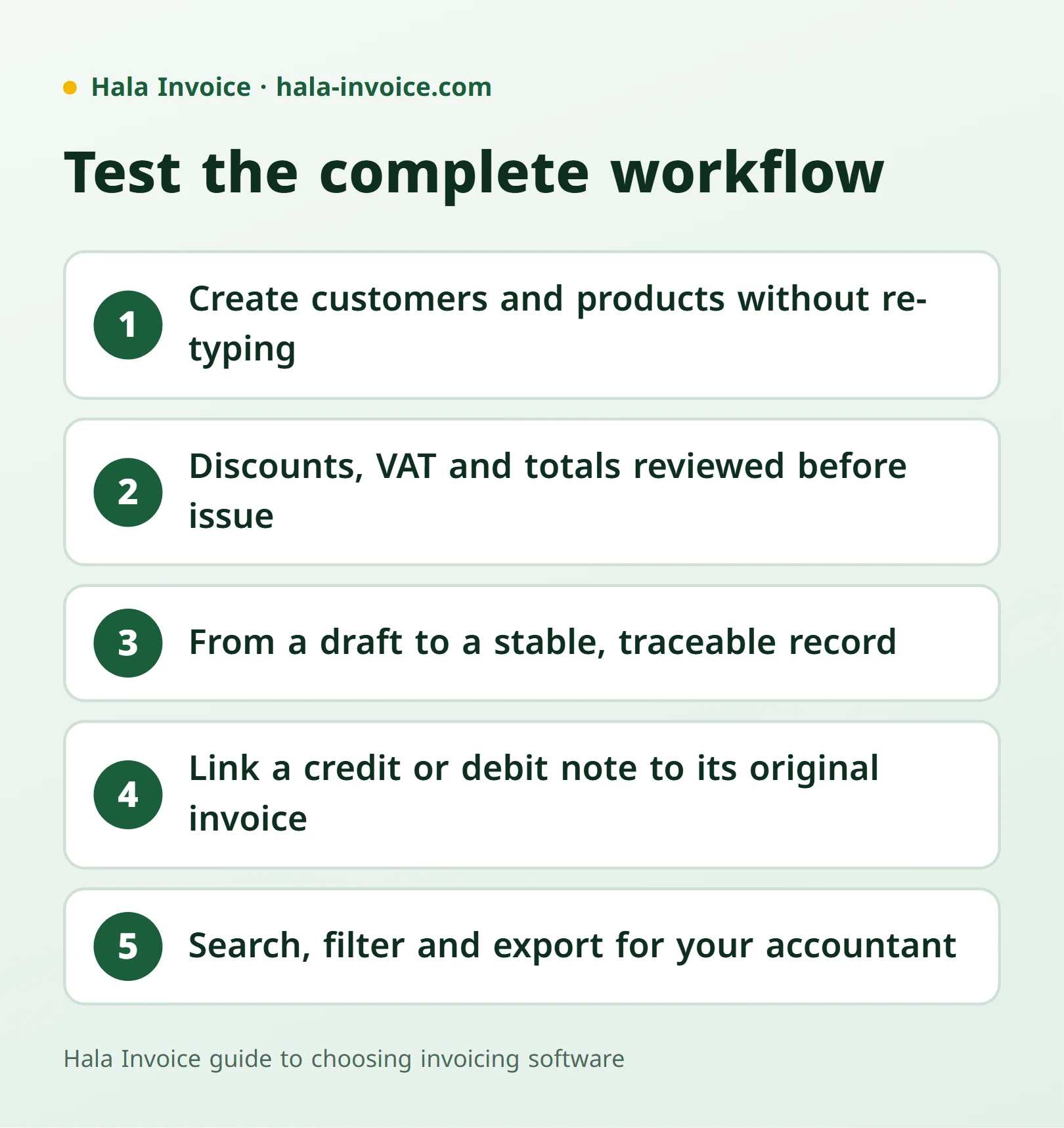
- Create customers, products, and services without repeated manual entry.
- Enter discounts and VAT, then review totals before issue.
- Move from a draft to a stable, traceable issued record.
- Link a credit or debit note to its original invoice.
- Search, filter, and export records for an accountant or audit.
Arabic and mobile are not add-ons
Test the Arabic right-to-left interface and verify that fields and figures remain clear on a real phone. Create a long sample invoice, then inspect both its PDF and print layout. A polished screen does not solve clipped fields or hidden totals.
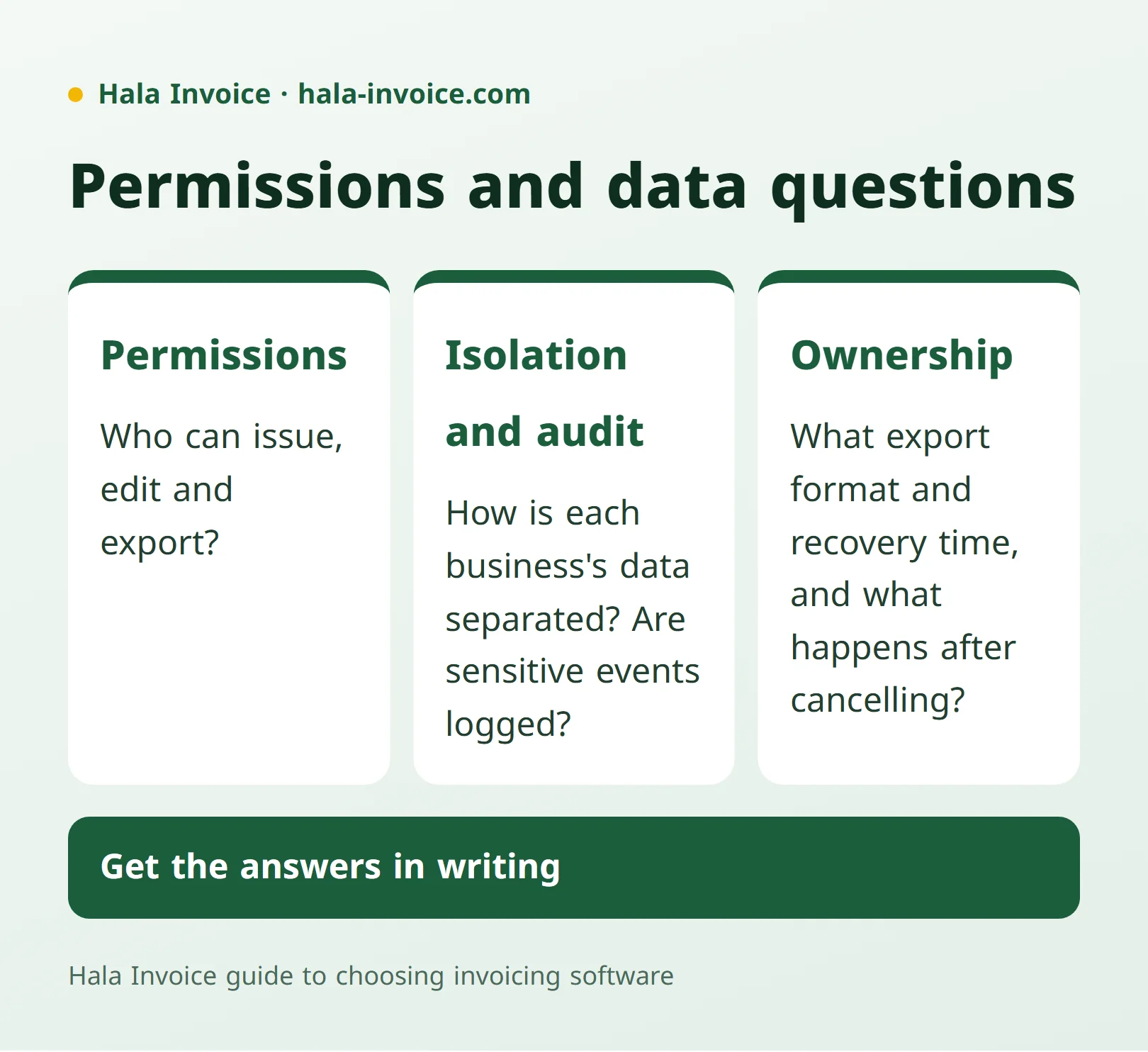
Permissions and data ownership
Ask who can issue, edit, and export; how each business's data is separated; and whether sensitive events have an audit trail. Get written answers about export format, recovery time, and what happens to your data after cancellation.
A list does not replace due diligence
ZATCA's solution-provider directory states that the list is indicative and non-binding, and that meeting the requirements is what matters. Ask the vendor to distinguish what works now, what is experimental, and what needs another contract or activation.
A 12-question scorecard
- Does it cover the invoice type I issue?
- Are Arabic and RTL complete?
- Is the mobile workflow fast and clear?
- Can I review calculations and fields before issue?
- Does it prevent post-issue tampering?
- Does it support linked correction notes?
- Are team permissions granular?
- Is my business's data isolated?
- Can I export a readable record?
- How is data retained and recovered?
- What are the plan limits and extra costs?
- Is support available in Arabic during useful hours?
Frequently Asked Questions
Is price the most important invoicing-software criterion?
No. Evaluate workflow, permissions, exports, support, and data ownership alongside cost.
How do I know whether a solution fits my business phase?
Check your own ZATCA notices and requirements, then ask the vendor for a precise statement of available and activated capabilities.
Why should I test the software on a phone?
Many owners issue and review invoices while working, and usability can change significantly on a small screen.
Keep learning
Related Saudi guides
Invoice Types
How to issue a tax invoice in Saudi Arabia
Choose a standard or simplified invoice, enter the required details, calculate VAT, and check the issue date and QR code using official ZATCA sources.
Read guideInvoice Types
Quotation invoice: when do you need a tax invoice instead?
A quotation sets out a commercial proposal. Learn what to include and when a sale or advance payment requires a tax invoice instead.
Read guideInvoice Types
Receipt voucher or tax invoice: when do you need each?
A receipt voucher records money received but does not remove a required tax invoice. Learn the difference, advance-payment rules, and how to link the documents.
Read guideReady to Create Your Invoice?
Create a local invoice PDF with ZATCA-format QR data – free with no signup
Create Invoice Now✓ 100% Free • ✓ No Signup • ✓ ZATCA-format QR data