
Receipt voucher or tax invoice: when do you need each?
A receipt voucher records money received but does not remove a required tax invoice. Learn the difference, advance-payment rules, and how to link the documents.
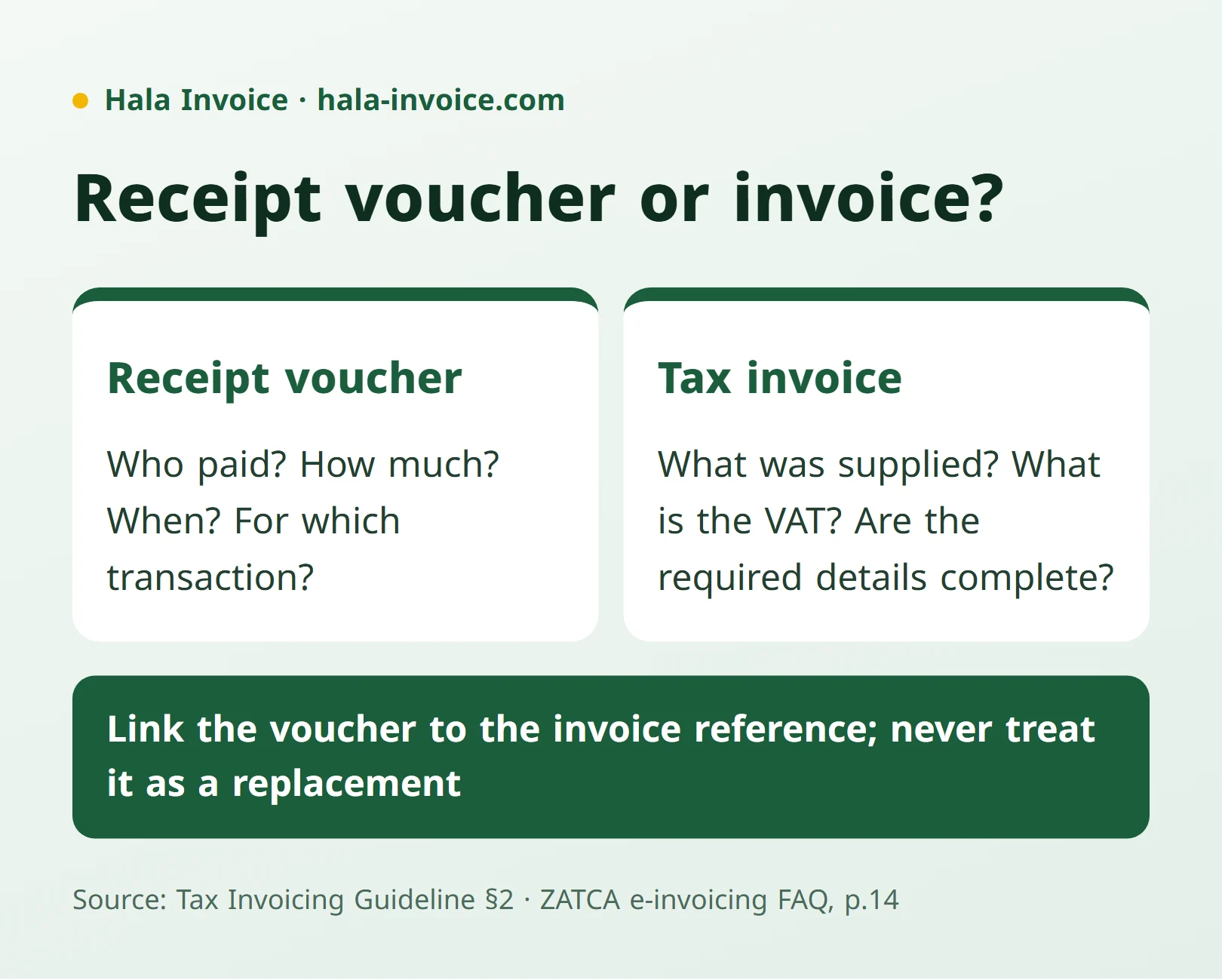
A receipt voucher used to record money received from a customer does not, by itself, replace a tax invoice when one is required. ZATCA expressly explains this for advance payments: an electronic invoice is required, and a receipt voucher alone is insufficient. Start with two separate questions: which supply needs to be documented for tax purposes, and how much money has actually been collected? Link the payment to the transaction while keeping the two functions clear. Source: e-invoicing FAQ, p14, referring to Article 53(1), and invoicing guideline, section 4.1.1.
What does a receipt voucher do, and what does an invoice do?
For practical organization, use a receipt voucher to record the collection: who paid, when you received the money, and which transaction it concerns. Then review the invoice as the document addressing the supply, tax, and required information. ZATCA's guide links the definition of a tax invoice to a taxable supply and the requirements of Article 53. Source: invoicing guideline, section 2.
| Review question | Document to review in this arrangement |
|---|---|
| Which goods or services does the transaction concern? | The invoice and supply details |
| How much did the customer actually pay? | The receipt voucher and collection record |
| Is the payment an advance before the supply is performed? | The payment together with the tax-point and invoice-issuance rules |
| Was the payment recorded against the correct transaction? | The reference linking the voucher and invoice |
This is a suggested working arrangement; it does not mean tax-invoice rules require a separate receipt voucher for every sale. The aim is to address invoice requirements first, then organize collection evidence to suit your records.
When should you use the voucher alongside the invoice?
Use a collection voucher when you want to record payment of an existing invoice, or a related instalment, separately. For example, if you issued an invoice for the supply and the customer paid later, link the collection to that invoice. Do not automatically treat it as a new sale requiring a second invoice for the same supply. ZATCA's guide states that a tax invoice is issued once, its issue date cannot be amended, and its other details remain as in the original; linking the payment to the existing invoice is therefore enough. Source: invoicing guideline, section 4.5.
In this workflow, it is helpful to show whether the payment settles the whole balance or part of it and to check the remaining amount in the customer's record. This is an accounting recommendation for organizing follow-up, rather than a statutory receipt-voucher checklist. If your question concerns the document preceding the sale, read quotation versus tax invoice.
What happens when you receive an advance payment?
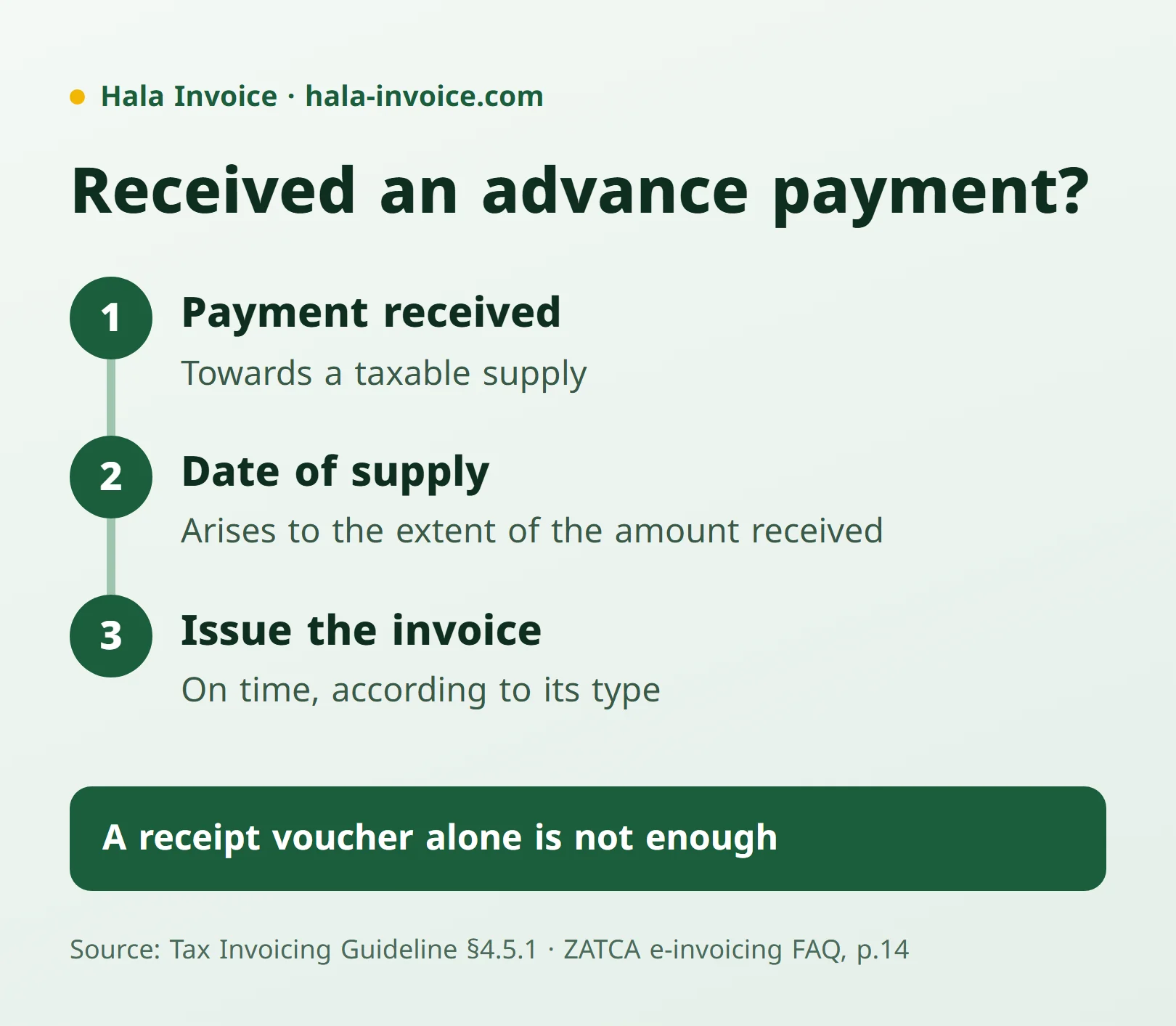
If the payment relates to a taxable supply, VAT can become due before the goods are delivered or the service is completed. ZATCA's guide explains that receiving an advance establishes the date of supply for tax purposes to the extent of the amount received. Do not postpone checking the invoice obligation until you collect the remaining price. Source: invoicing guideline, section 4.5.1.
The issuance deadline differs according to the document required:
- For a standard tax invoice covering an advance payment, the deadline is the fifteenth day of the month following the month in which the advance was received.
- For a simplified tax invoice, issuance is at the date of supply or receipt of full or partial payment, whichever is earlier.
- Financial-services supplies made by licensed banks, financial institutions, or insurance companies, and other supplies specified by decision of ZATCA's Governor, have an exception until the fifteenth day of the month following the supply month, provided the customer's name, address, and supply date are added to the usual information; see Article 53(7)(c).
A receipt voucher can help you record the event, but it does not replace the invoice required by these rules. To identify the suitable type, read the simplified tax-invoice guide. Source: invoicing guideline, sections 4.5 and 4.5.1, and e-invoicing FAQ, p14.
How should you organize a receipt voucher and link it to the invoice?
We suggest including a distinct reference, collection date, payer's name, recipient's name, amount, payment method, reason for receipt, and invoice or transaction reference. These are organizational choices, rather than fields we attribute to ZATCA as mandatory. Make the reason specific, such as “partial payment of the referenced invoice,” instead of a general description that does not help with reconciliation.
After preparing the voucher, match it to the collection record and check that the same payment has not been recorded twice. If the customer pays several invoices in a single payment, clearly allocate the amount to the intended references in your records. Retain the payment reference to review the reconciliation later.
These procedures do not replace the invoice's own requirements. Standard and simplified invoices have information specified in ZATCA's guide, and the tax-invoice issuance guide explains the steps for reviewing it. Source: invoicing guideline, sections 4.2.3 and 4.3.2.
Common mistakes when using a receipt voucher
- Relying only on a receipt voucher for an advance that requires an electronic invoice.
- Waiting for full payment before reviewing the effect of the advance.
- Issuing a second invoice for the same supply merely because its existing invoice has been paid.
- Applying the standard-invoice deadline to every simplified invoice.
- Leaving the payment reason or transaction reference unclear in the collection record.
The tax-related mistakes concern issuance and tax-point rules, while reference clarity is an organizational recommendation. Source: invoicing guideline, sections 4.5 and 4.5.1.
Practical rule: record what you received, link it to its transaction, and issue the required invoice on time without treating the receipt voucher as its replacement.
To prepare your invoice details after choosing its type, use the free Hala Invoice generator.
Frequently Asked Questions
Does a receipt voucher replace a tax invoice?
It does not replace an invoice when one is required; ZATCA expressly confirms that a receipt voucher alone is insufficient for an advance payment requiring an electronic invoice. Source: e-invoicing FAQ, p14.
Does a deposit need a tax invoice?
If it is an advance towards a taxable supply, the tax point arises to the extent of the amount received, and the invoice is issued according to its type. Source: section 4.5.1.
Do I issue a new invoice when the customer pays the old one?
Collecting an existing invoice for the same supply is not a reason to issue it again; link the payment to its reference. ZATCA's guide states that a tax invoice is issued once. Source: section 4.5.
What should I write on a receipt voucher?
For organization, we suggest the collection date, parties, amount, payment method, reason, and invoice reference, together with a distinct voucher number; this is a suggested practical list rather than mandatory fields attributed to ZATCA.
Keep learning
Related Saudi guides
Invoice Types
How to issue a tax invoice in Saudi Arabia
Choose a standard or simplified invoice, enter the required details, calculate VAT, and check the issue date and QR code using official ZATCA sources.
Read guideInvoice Types
Quotation invoice: when do you need a tax invoice instead?
A quotation sets out a commercial proposal. Learn what to include and when a sale or advance payment requires a tax invoice instead.
Read guideVAT
VAT registration for Saudi businesses: thresholds and invoices
Mandatory registration generally starts above SAR 375,000; voluntary eligibility starts at SAR 187,500, subject to conditions. Learn what changes on invoices.
Read guideReady to Create Your Invoice?
Create a local invoice PDF with ZATCA-format QR data – free with no signup
Create Invoice Now✓ 100% Free • ✓ No Signup • ✓ ZATCA-format QR data