
Saudi Tax Invoice Template: What It Must Contain, and Why Word or Excel Alone Is Not Enough
The data a Saudi tax invoice template must carry (full and simplified) per ZATCA’s 2026 Guideline, what Word and Excel templates lack under e-invoicing, and how to get a free PDF.
Looking for a tax invoice template in Word, Excel or PDF? The format matters less than the content: a valid template carries every detail required by ZATCA's Guideline for Tax Invoicing and Records (Version 3, May 2026). This guide lists those details and explains where office templates fall short.
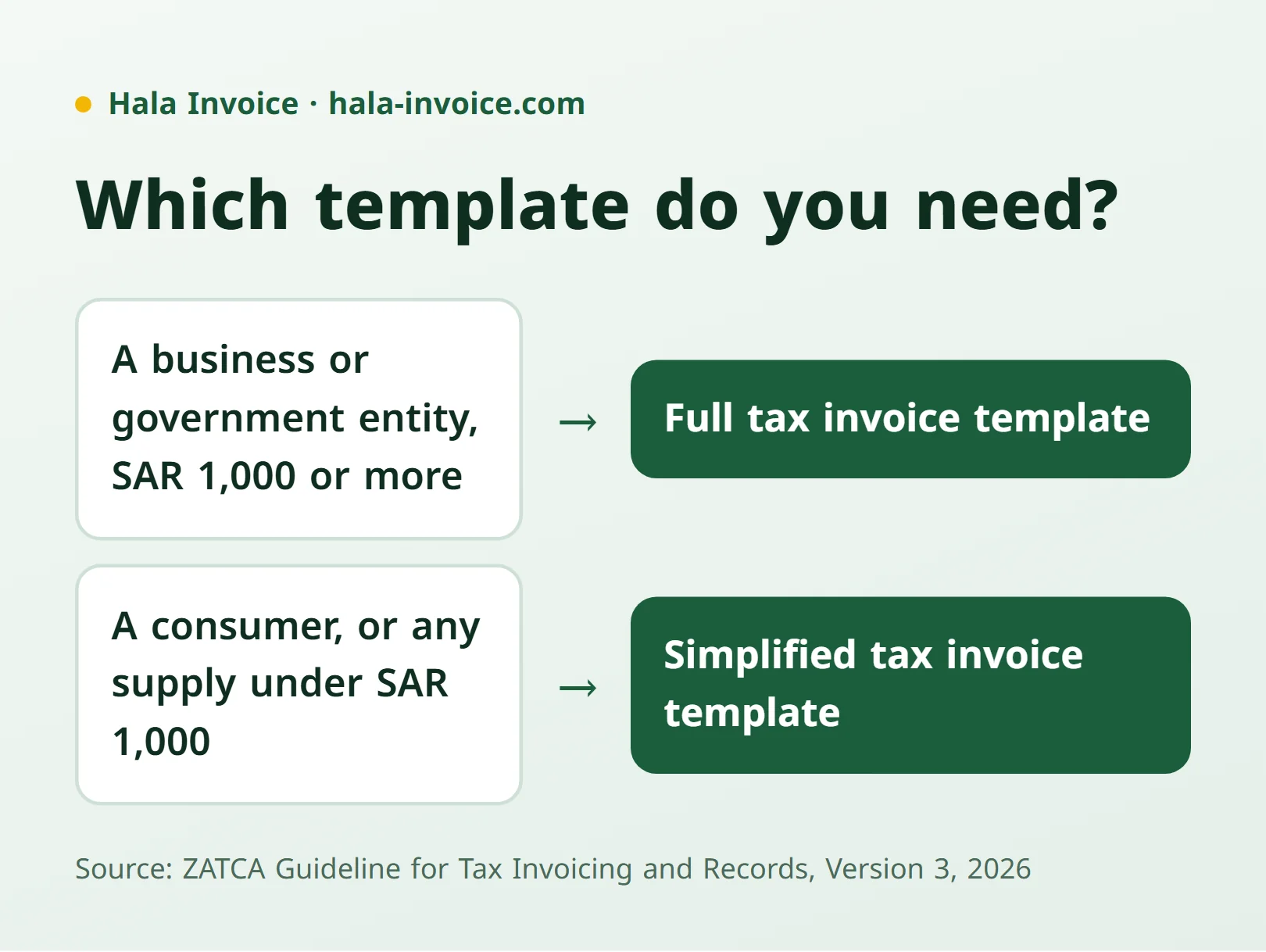
Which template do you need: full or simplified?
A sale to a business or government entity worth SAR 1,000 or more needs a full tax invoice. A consumer sale, or any supply under SAR 1,000, can use a simplified tax invoice template; both cases are explained in the simplified invoice guide.
Data on a full tax invoice template
Section 4.2.3 of the Guideline (based on Article 53(5) of the Implementing Regulations) lists what a tax invoice must show:
- Document title: "Tax Invoice".
- Issue date and time, plus the date of supply if it differs.
- Sequential number that distinguishes the invoice from all others.
- Supplier: legal name as on the VAT certificate, an address in the Kingdom, and the VAT registration number.
- Customer: name, address and VAT number, or an alternative identifier if not registered (commercial registration or national ID, for example).
- Line items: description, unit price, quantity, discount, total before VAT, VAT rate, VAT amount, and total including VAT.
- Totals: any invoice-level discount, taxable amount per rate, VAT amount in Saudi riyals, and the total including VAT.
- QR code under the e-invoicing framework, required on full tax invoices since January 2023.
A statement is added when the invoice is issued on behalf of another person or covers a special treatment (deemed supply, export, summary invoice). Since the Regulations require Arabic, build the template Arabic-first with an optional translation; see the Arabic and bilingual invoice guide.
Data on a simplified invoice template
Section 4.3.2 needs only five details: the issue date, the supplier's name, address and VAT number, a description of the goods or services, the consideration, and the VAT amount or a clear statement that the consideration includes 15% VAT. A QR code has been added since e-invoicing Phase One.
Calculating VAT on the template
Section 4.2.4 requires VAT in riyals and halalas, rounded to the nearest halala when fractions appear. The steps are in the 15% VAT calculation guide.
Why a Word or Excel template alone is not enough
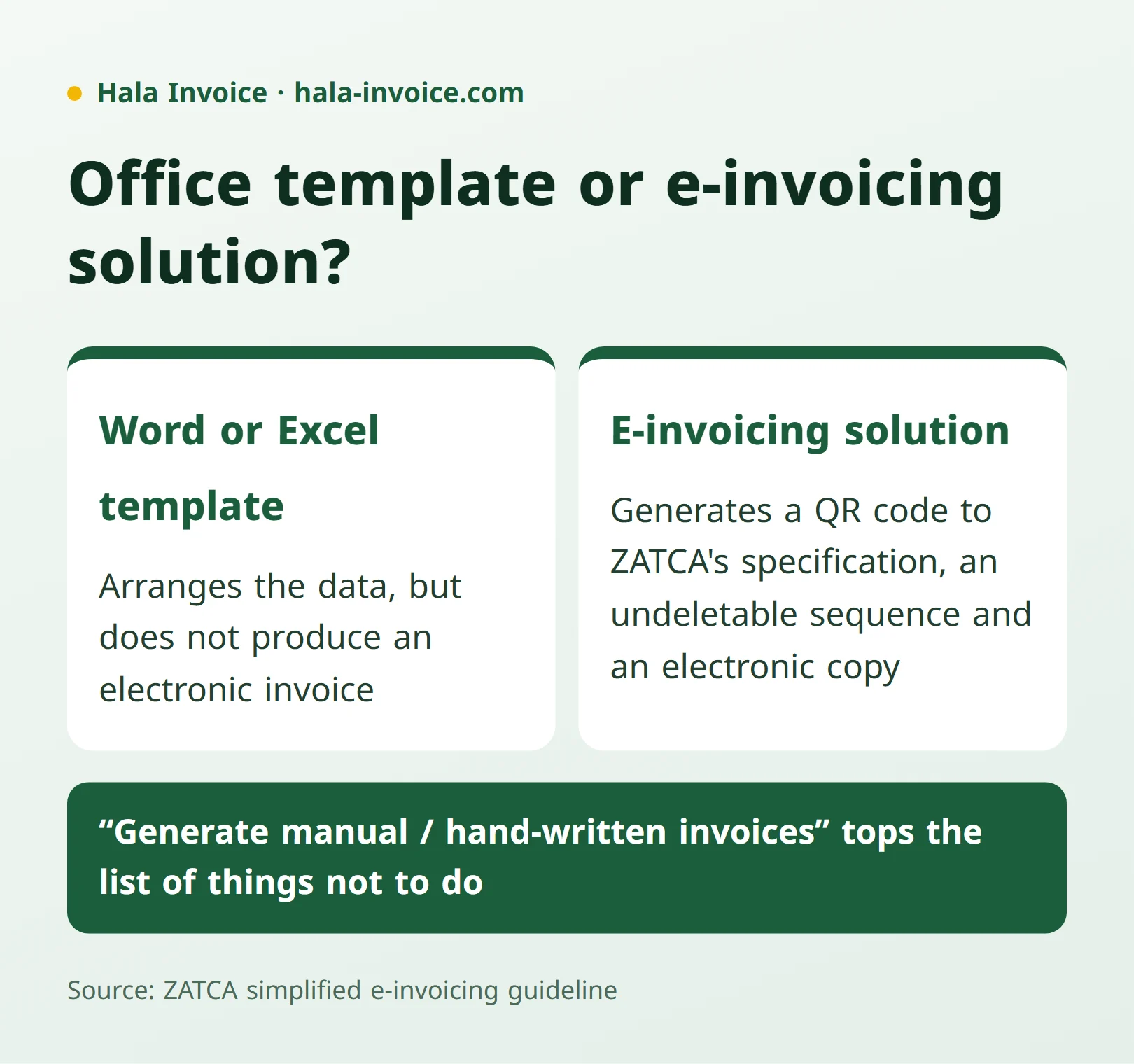
An office template helps you arrange the data, but it does not produce an electronic invoice. ZATCA's simplified e-invoicing guideline requires invoices to be generated by an e-invoicing solution, and puts "generate manual / hand-written invoices" first in its list of things not to do. An invoice edited by hand in Word or Excel and then printed lacks what an electronic solution generates: a QR code to the authority's specification, a sequence that cannot be deleted, and an electronic copy kept on record.
- Use the template as a reference for field order, not as the issuing tool.
- Issue the invoice from an electronic solution that generates the QR code and keeps an unalterable copy.
- Keep the invoice for the statutory period; see the record retention guide.
A PDF template in a minute
The free Hala Invoice generator fills the details above in Arabic and English, calculates 15% VAT, generates a QR code on the simplified invoice template, and exports a PDF from your browser with no sign-up. If you later need the integration phase requirements, check your establishment's notices from ZATCA before choosing a solution.
Practical rule: judge any tax invoice template by the data list above, not by its look. If one detail is missing, or it cannot generate a QR code, it is not a valid template.
Frequently Asked Questions
What data must a tax invoice template contain?
The title "Tax Invoice", issue date and time, a sequential number, the supplier name, address and VAT number, the customer name, address and VAT number or an alternative identifier, line items with prices and quantities, totals before and after VAT with the VAT amount in riyals, and a QR code.
Can a Word or Excel template serve as an electronic invoice?
No. ZATCA’s e-invoicing guideline requires invoices to be generated by an electronic solution and lists manual generation among the things not to do. Use the template to arrange the data, but issue the invoice from an electronic solution that generates the QR code.
What is the difference between a full and a simplified invoice template?
The full template needs customer details and VAT number, itemised lines and totals. The simplified template needs five details: issue date, supplier details, a description of the goods or services, the consideration, and the VAT amount or a statement that it is included.
How do I get a free tax invoice template PDF?
Enter the supplier, customer and line items in the free generator; it calculates 15% VAT, generates a QR code and exports a PDF from the browser with no sign-up.
Keep learning
Related Saudi guides
Invoice Types
How to issue a tax invoice in Saudi Arabia
Choose a standard or simplified invoice, enter the required details, calculate VAT, and check the issue date and QR code using official ZATCA sources.
Read guideInvoice Types
Quotation invoice: when do you need a tax invoice instead?
A quotation sets out a commercial proposal. Learn what to include and when a sale or advance payment requires a tax invoice instead.
Read guideInvoice Types
Receipt voucher or tax invoice: when do you need each?
A receipt voucher records money received but does not remove a required tax invoice. Learn the difference, advance-payment rules, and how to link the documents.
Read guideReady to Create Your Invoice?
Create a local invoice PDF with ZATCA-format QR data – free with no signup
Create Invoice Now✓ 100% Free • ✓ No Signup • ✓ ZATCA-format QR data